





How to stake CXT with Rabby
Follow this step by step below

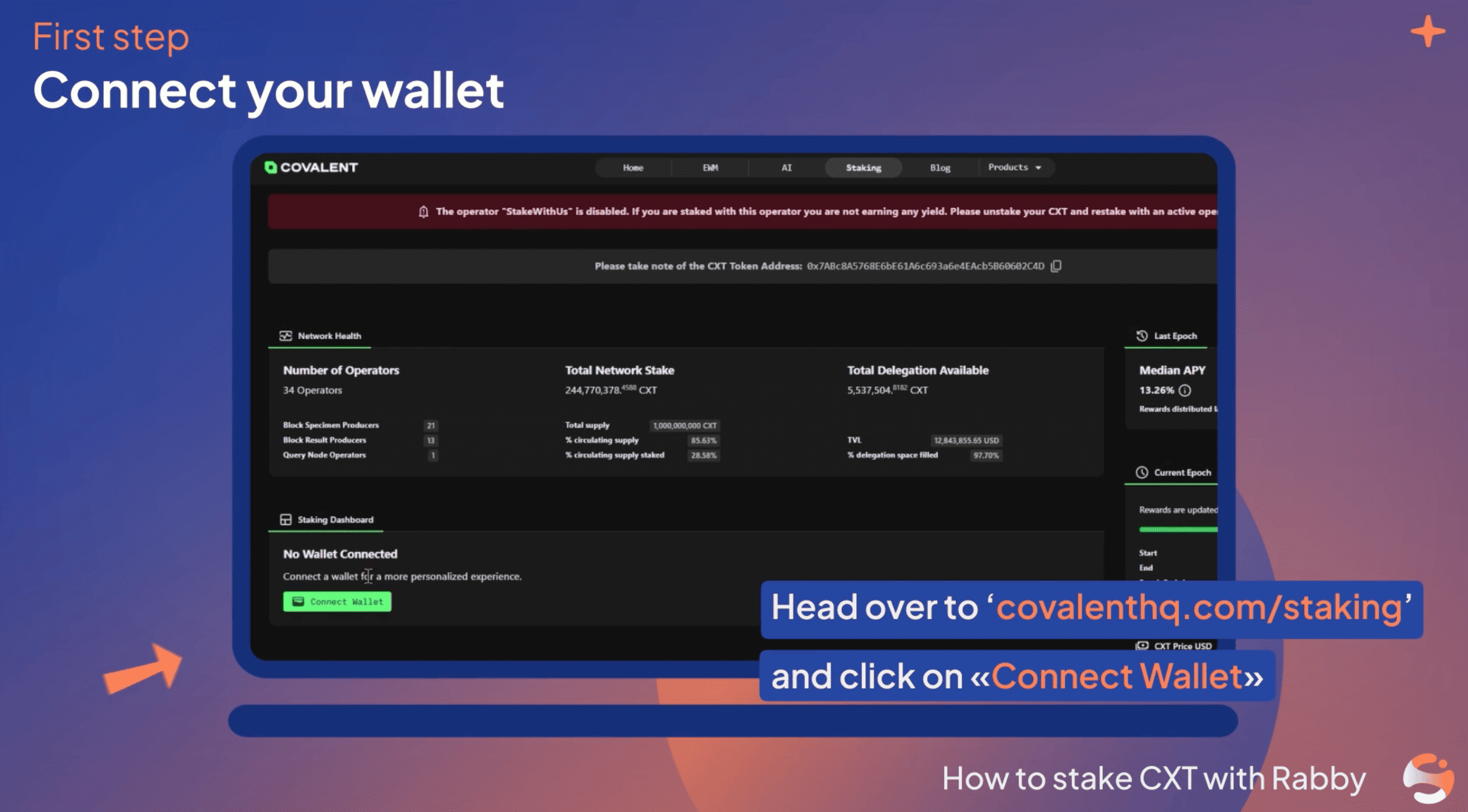
Connect your wallet
Navigate to the official Covalent Network Staking Dashboard. Connect an Ethereum-compatible wallet (like MetaMask or WalletConnect) and make sure your network is set to Ethereum Mainnet. Ensure you have your CXT tokens and a small amount of ETH in your wallet to cover gas fees.

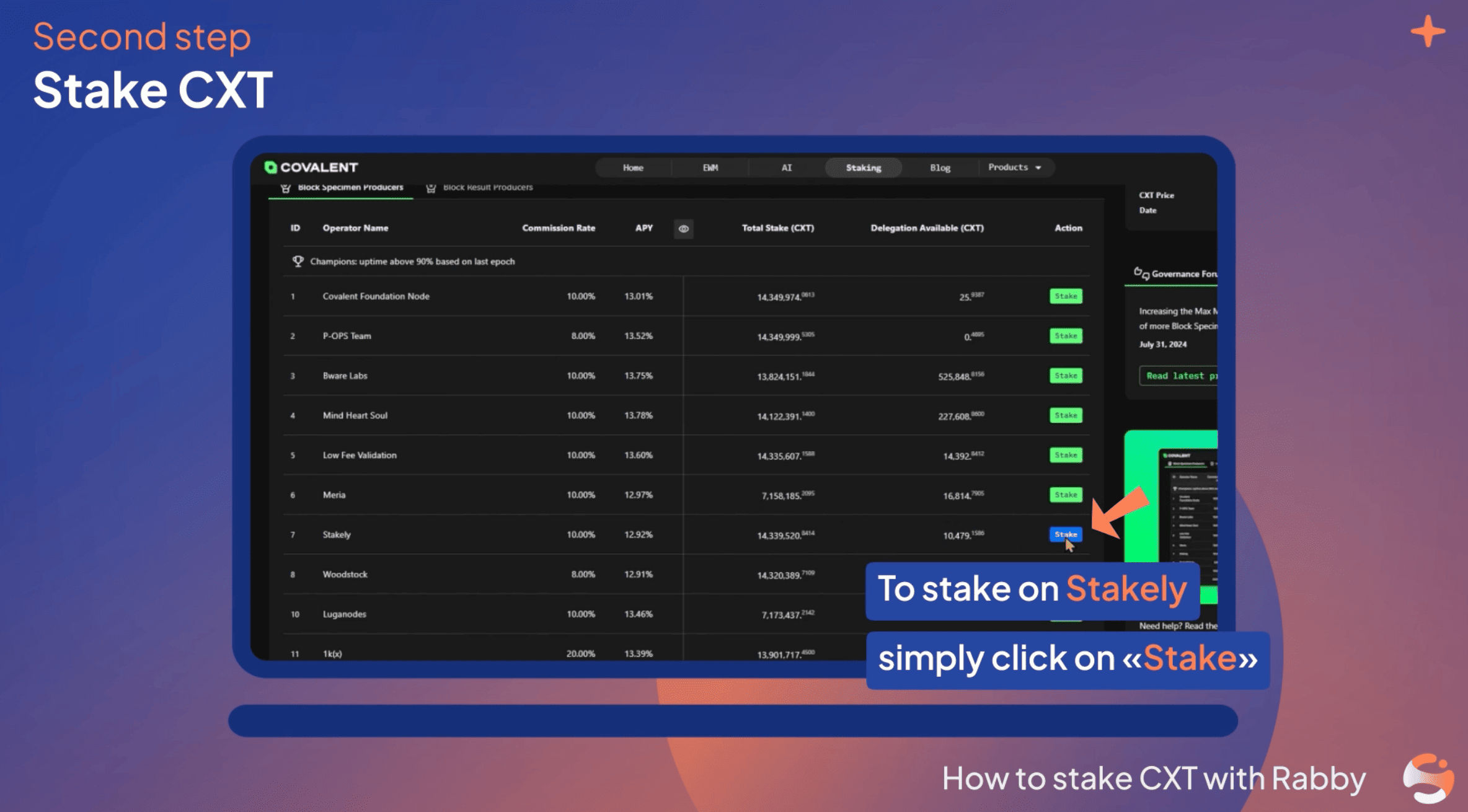
Select Stakely as your operator
Scroll through the list of active Operators (such as Block Specimen Producers). Select Stakely.

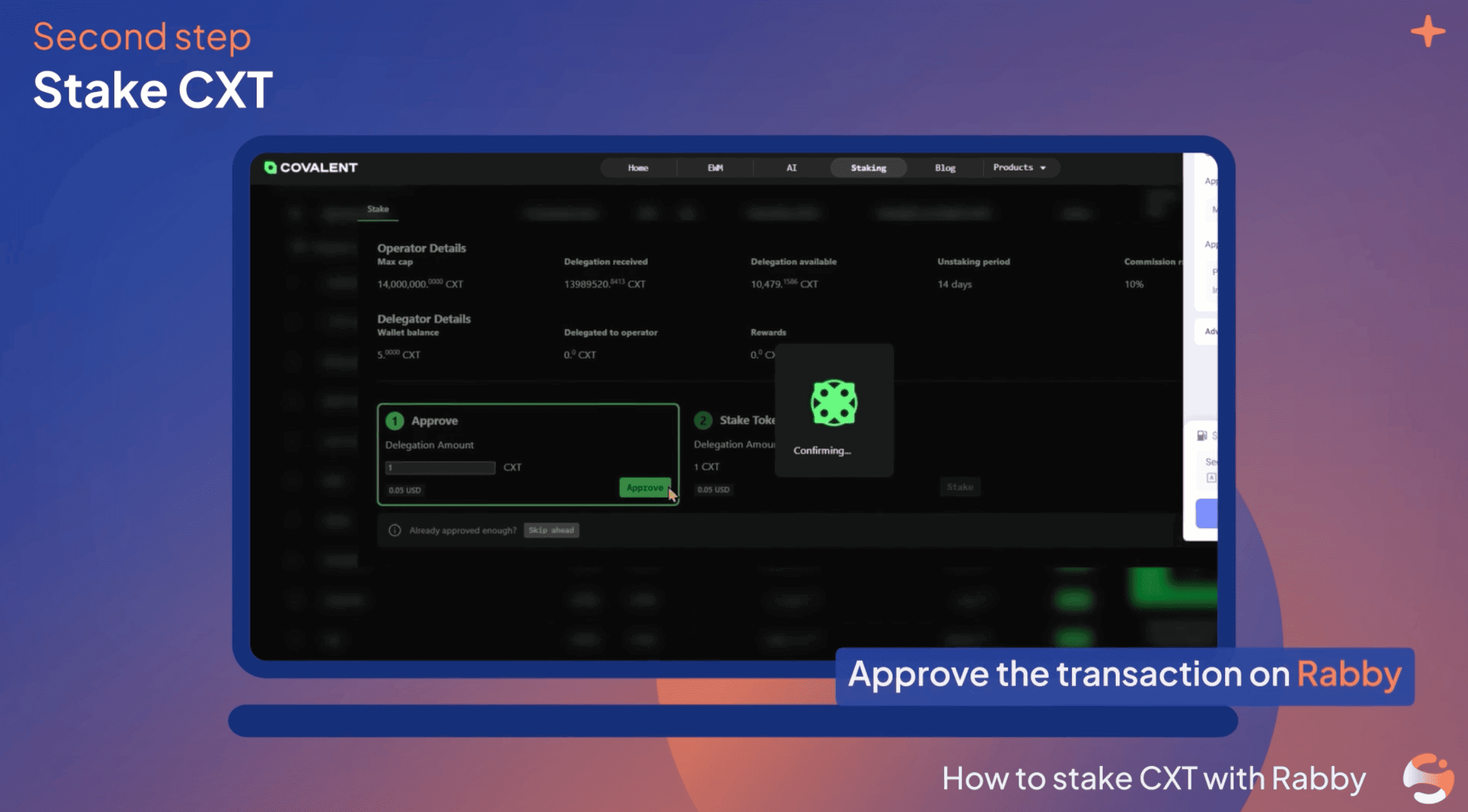
Approve and delegate
Click "Stake" next to your chosen Operator. Enter the amount of CXT you wish to stake. You will need to sign two transactions in your wallet: first, a transaction approving the contract to interact with your CXT, and second, the delegation transaction itself.

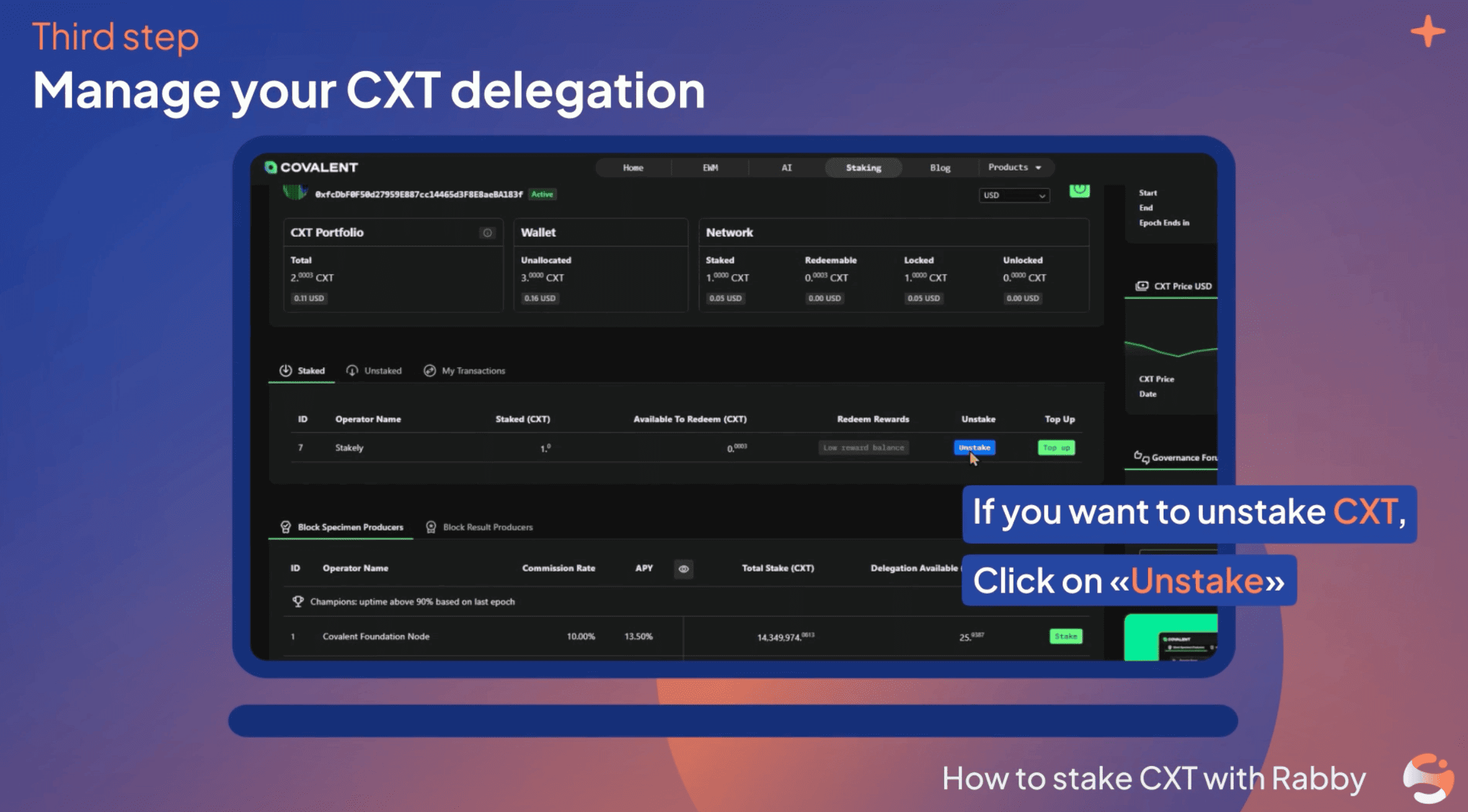
Manage your delegation
Your staking is now active and earning rewards. You can monitor or compound rewards directly on the dashboard. If you decide to unstake, keep in mind there is a mandatory cooldown period before you can withdraw your CXT back into your wallet.