





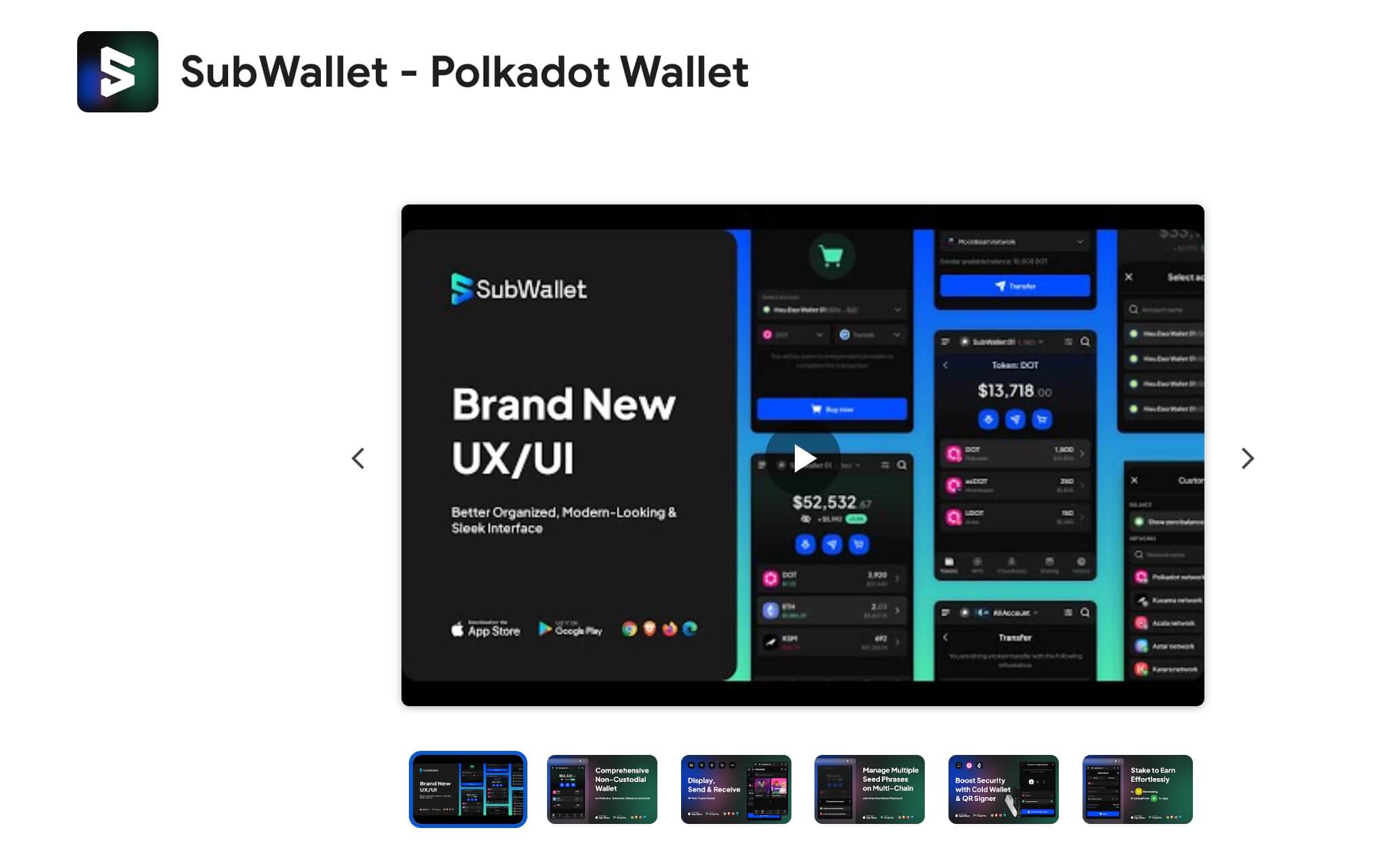
How to stake AVAIL with SubWallet
Follow this step by step below

Create or import your SubWallet account
To start staking AVAIL, install the SubWallet browser extension. From the extension, you can create a new account or import an existing wallet. Make sure to set a strong password and store your recovery phrase in a safe place.

Connect your wallet to Avail Tools
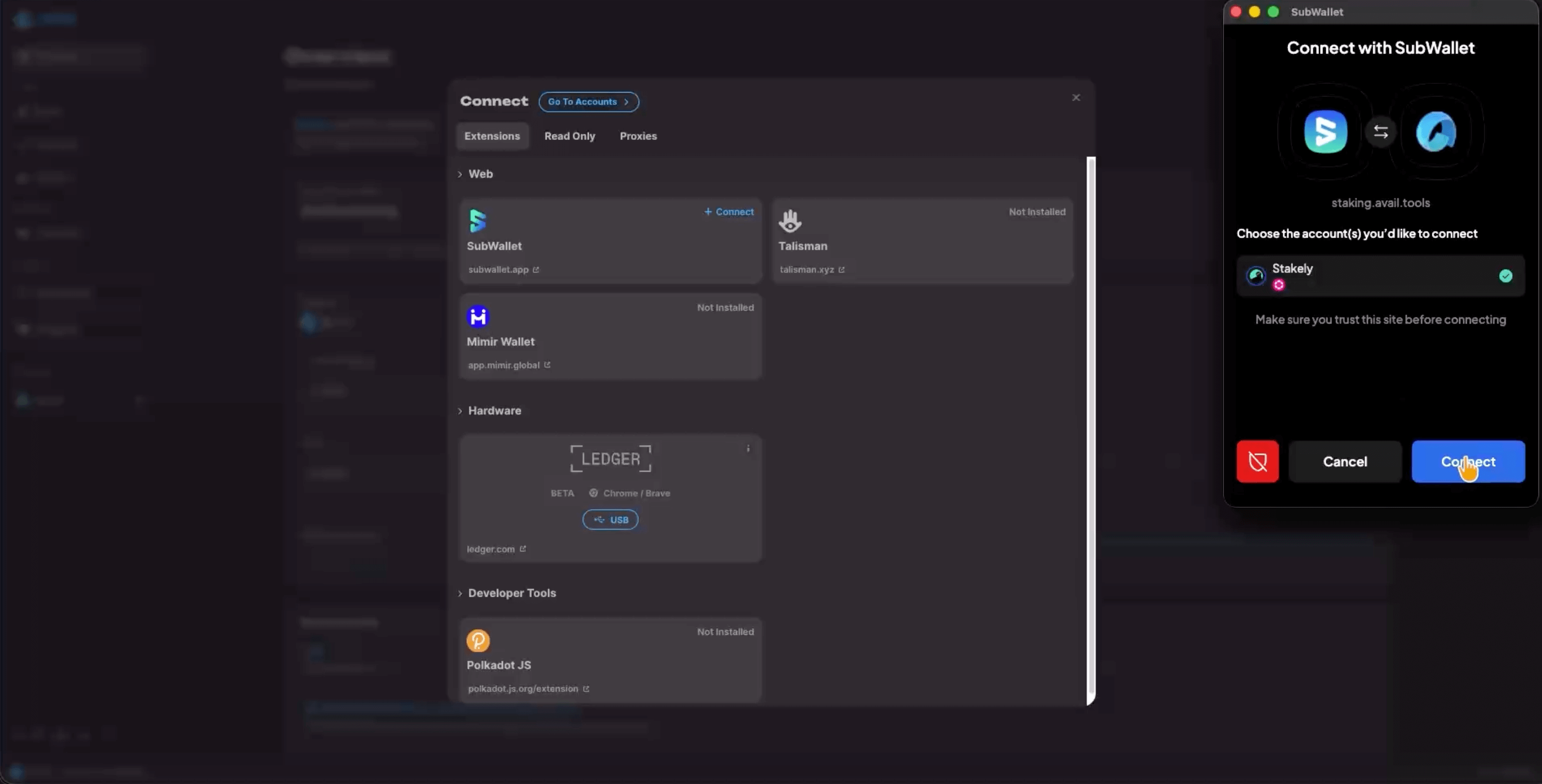
Go to staking.avail.tools and click Connect to link your wallet. In this case, we’ll use SubWallet, so select it from the list and approve the connection in the extension.

Join a staking pool
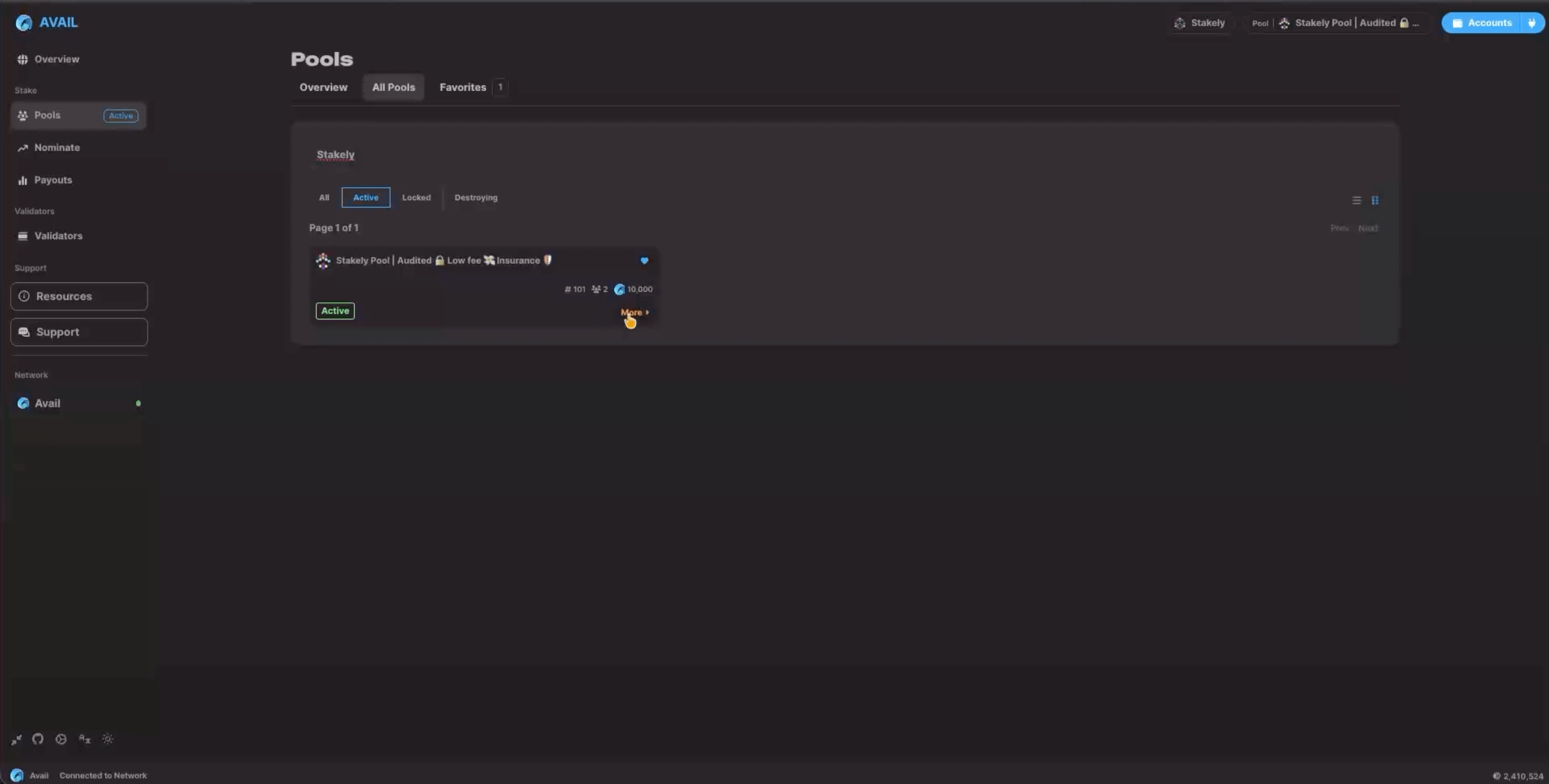
Once connected, open the Pools tab and click on All Pools. Look for the Stakely pool and enter the amount of AVAIL you want to delegate. Then choose how you want your rewards to be handled:
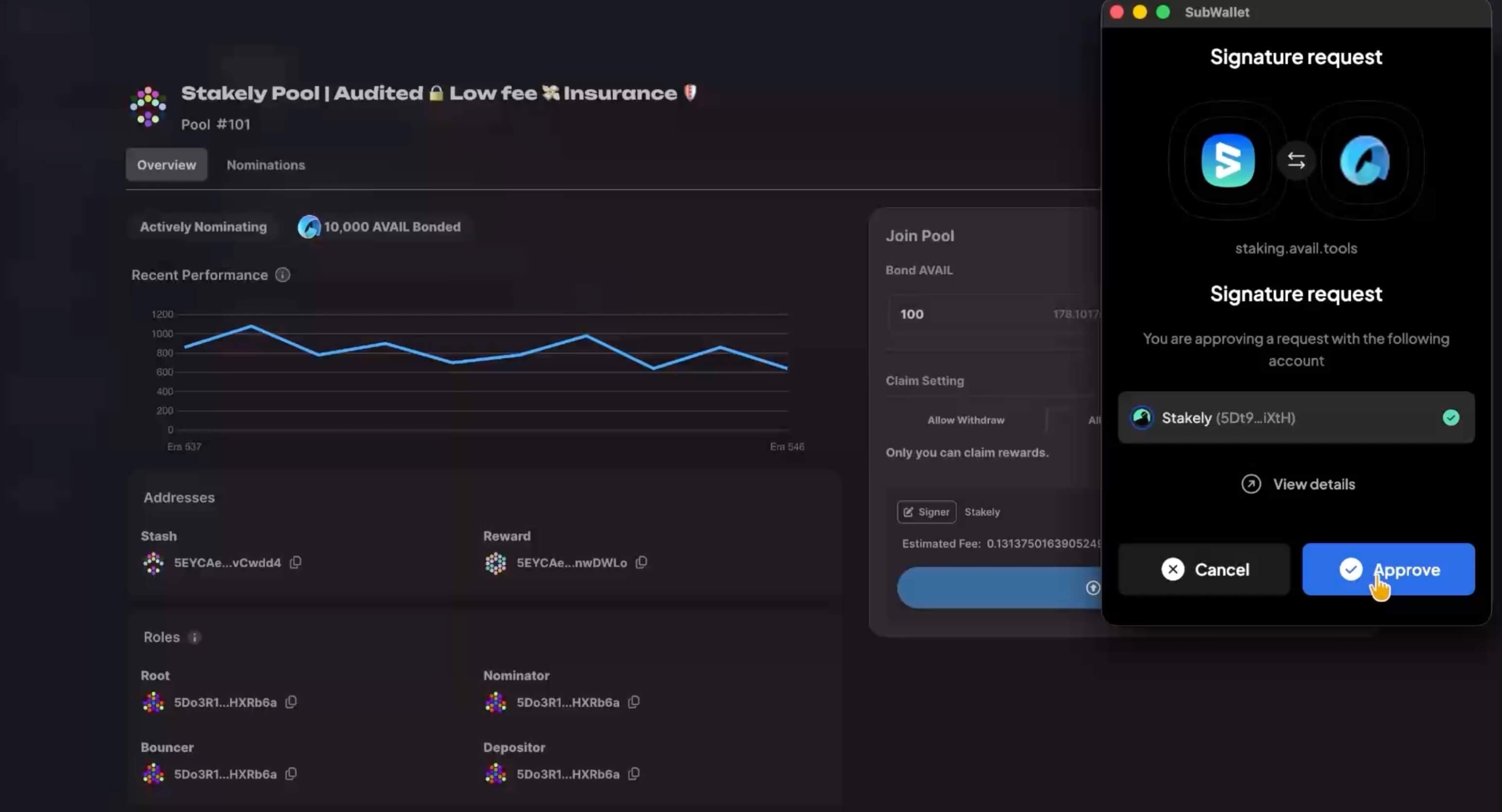
- Allow Compound lets anyone compound your rewards.
- Allow Withdraw lets anyone withdraw the rewards to your account.
- Permissioned means only you can claim the rewards.

Confirm your stake
Finally, click Join Pool and approve the transaction in SubWallet. After confirmation, your AVAIL will be staked, and you’ll be able to manage your stake and rewards directly from the platform.