






How to stake PROS with Rabby
Follow this step by step below

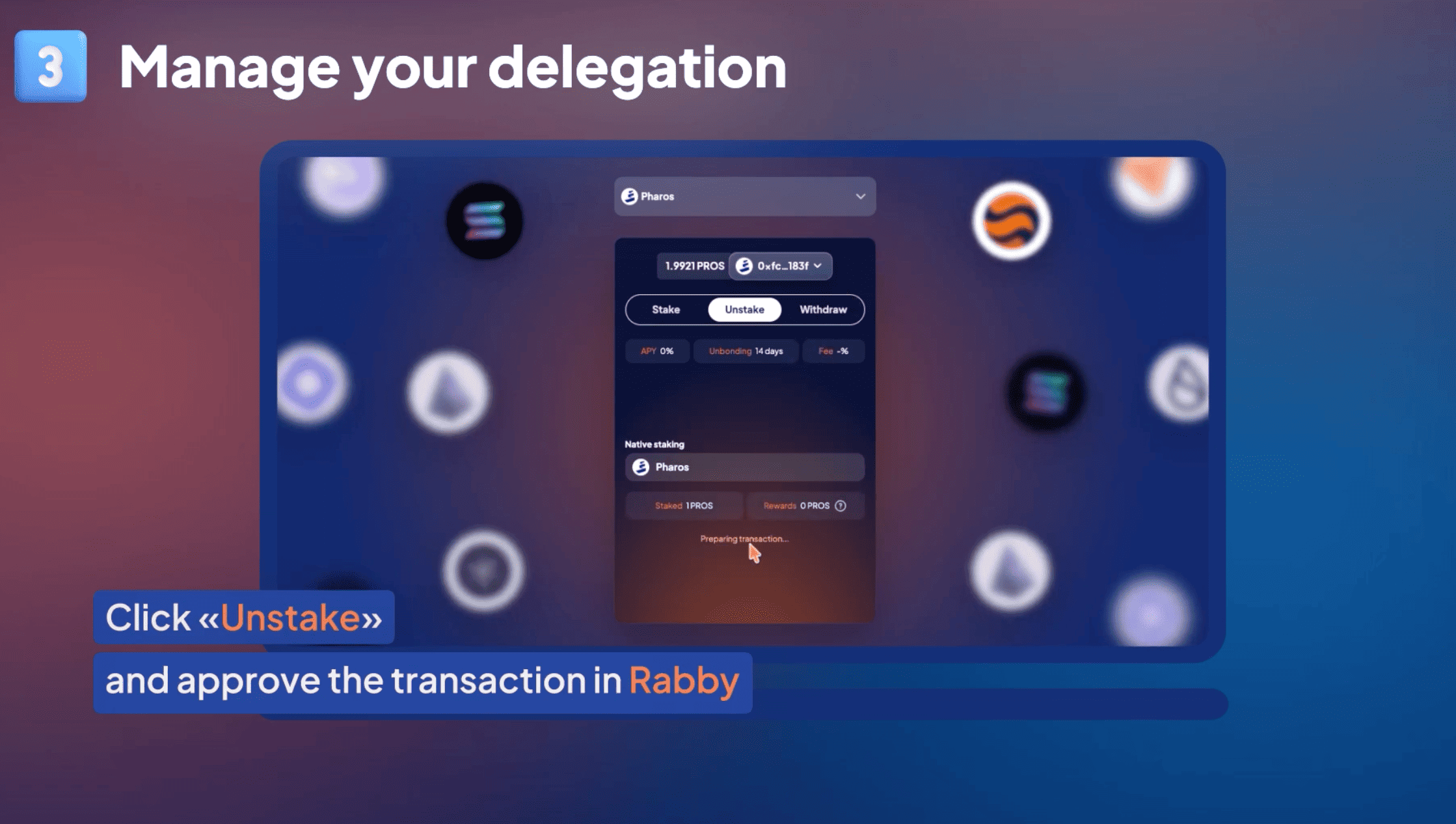
Connect your wallet
To begin, navigate to the Stakely Staking App or use the Pharos Staking widget on Stakely's website. Click on "Connect Wallet" and select a compatible EVM-compatible wallet (such as MetaMask or Phantom) that holds your native PROS tokens. Ensure your wallet is set to the correct network.

Select Pharos Network & enter the amount to stake
Once your wallet is connected, locate and select the Pharos (PROS) network from the list of supported assets. In the staking panel, enter the exact amount of PROS tokens you wish to stake. Always leave a tiny fraction of PROS in your wallet to cover future transaction gas fees.


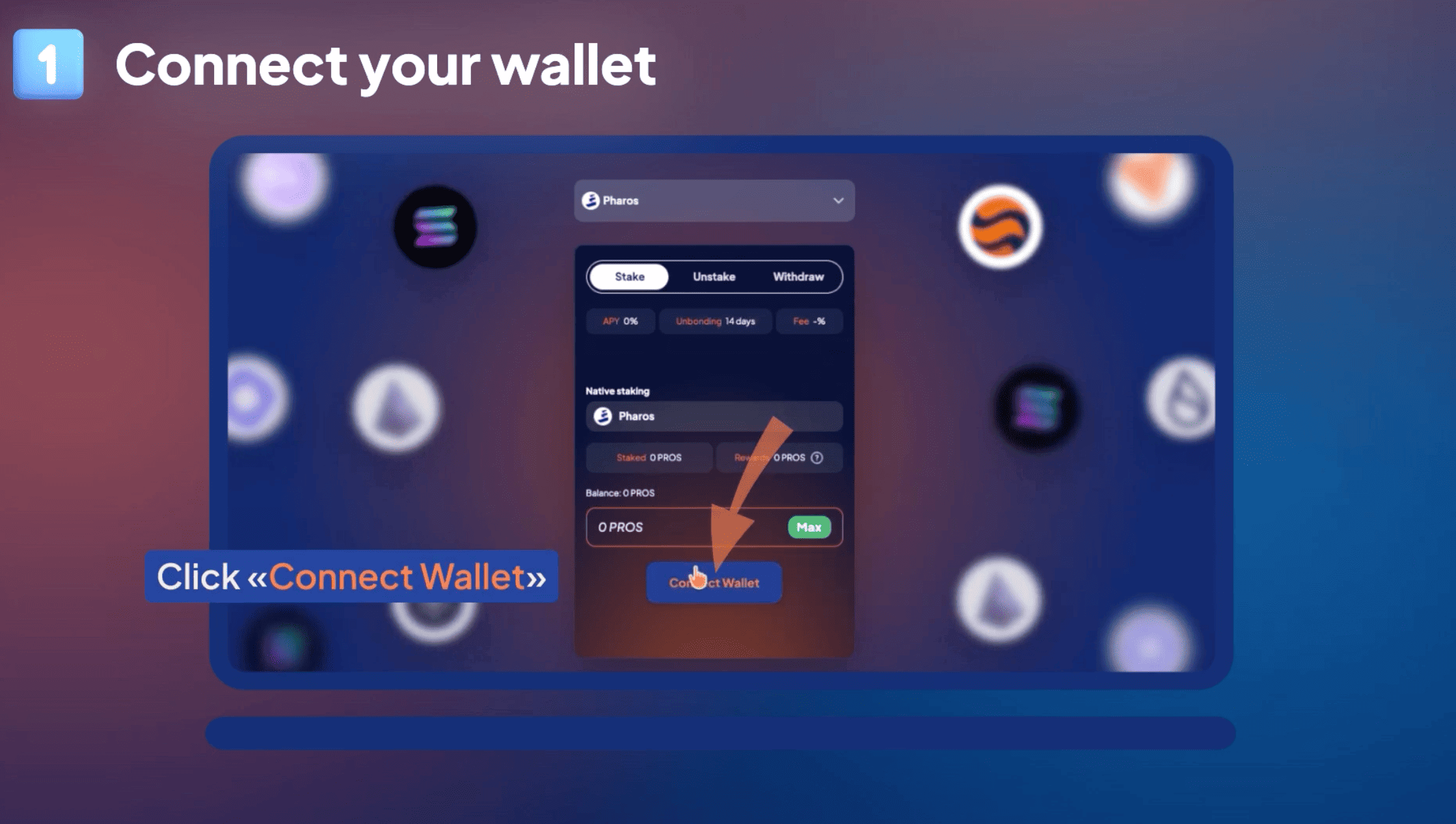
Sign the staking transaction
Review the delegation details—including the validator name (Stakely), fee percentage, and active APR/APY. Click "Stake", which will trigger a pop-up prompt in your connected wallet. Review the network transaction details and approve/sign the transaction to lock your tokens on-chain.
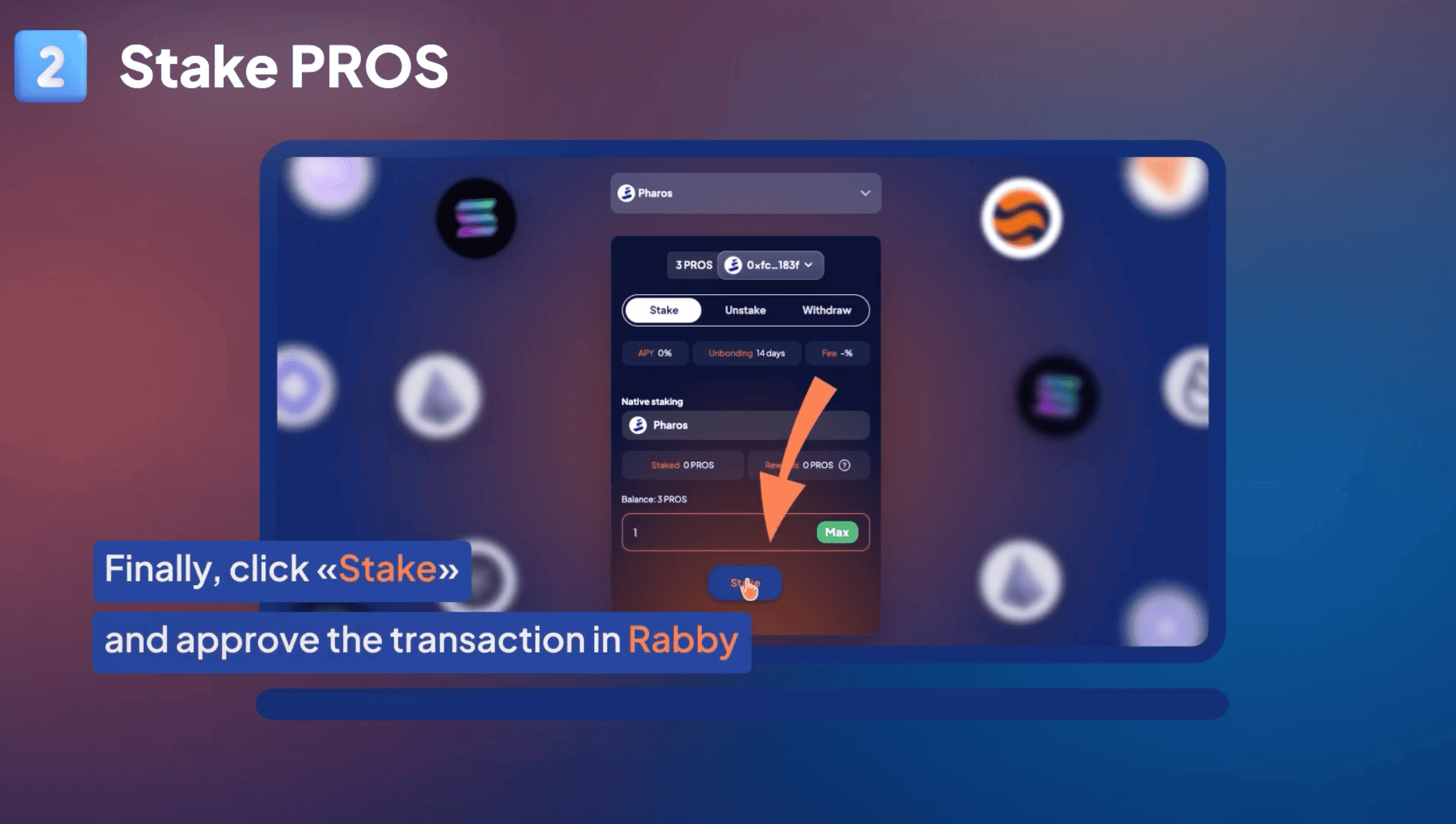

Manage your delegation
Once confirmed, your staked PROS will immediately begin securing the Pharos network and earning rewards. You can use Stakely's dashboard to monitor your earnings, compound rewards, or initiate unstaking.