







How to liquid stake MON on Magma with Rabby
Follow this step by step below

Create or import your compatible wallet
To liquid stake MON, you will need a compatible Web3 browser extension wallet (such as Rabby or MetaMask). Install your preferred wallet from its official website.
Create a new wallet, import an existing one, or connect your hardware device if you use one. Choose a strong password and store your seed phrase/recovery keys somewhere secure.
Access the Stakely App and select Magma
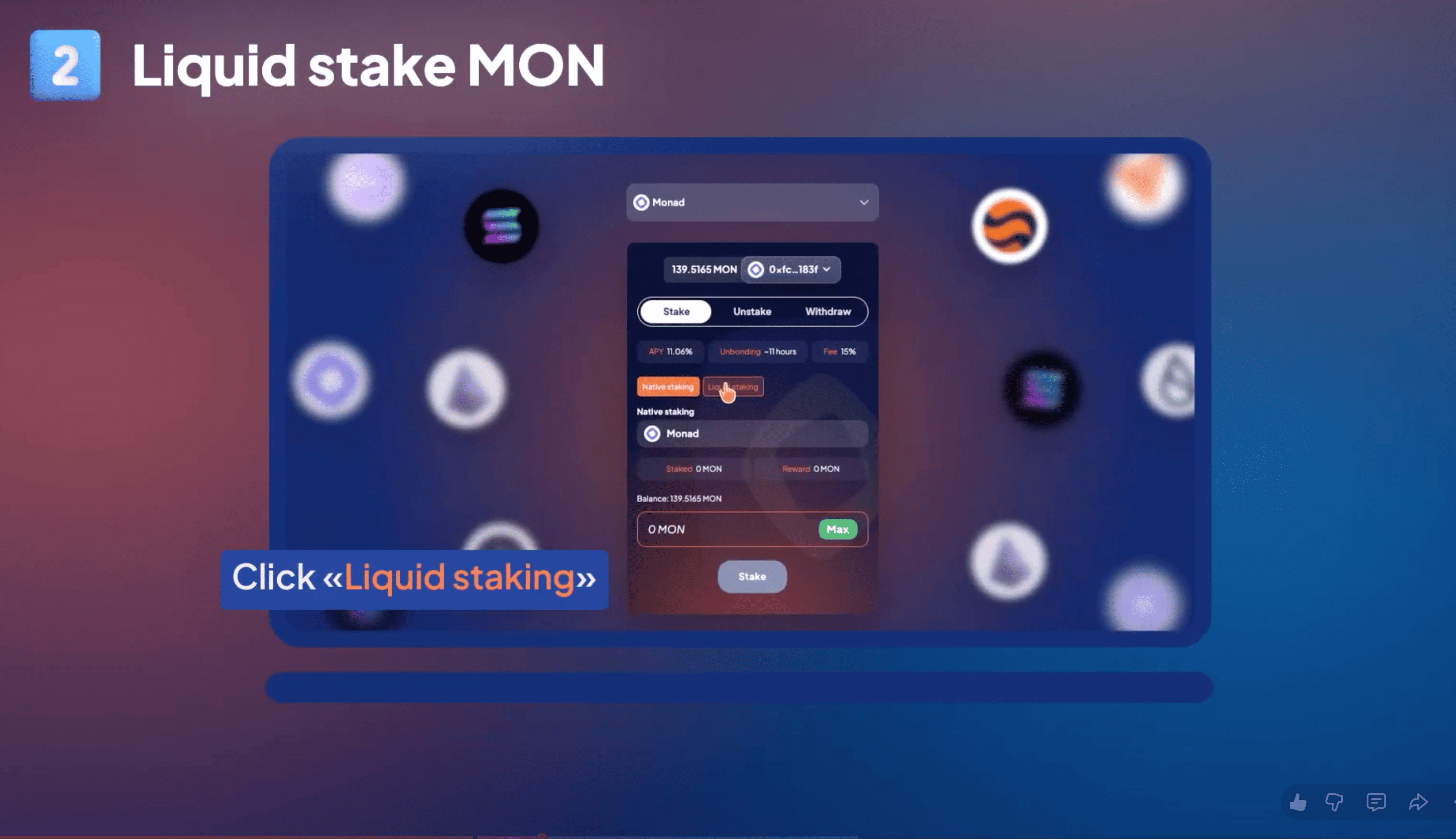
Go to the Stakely Staking App and select Monad (MON). Choose the liquid staking option on the dashboard and select the Magma protocol.
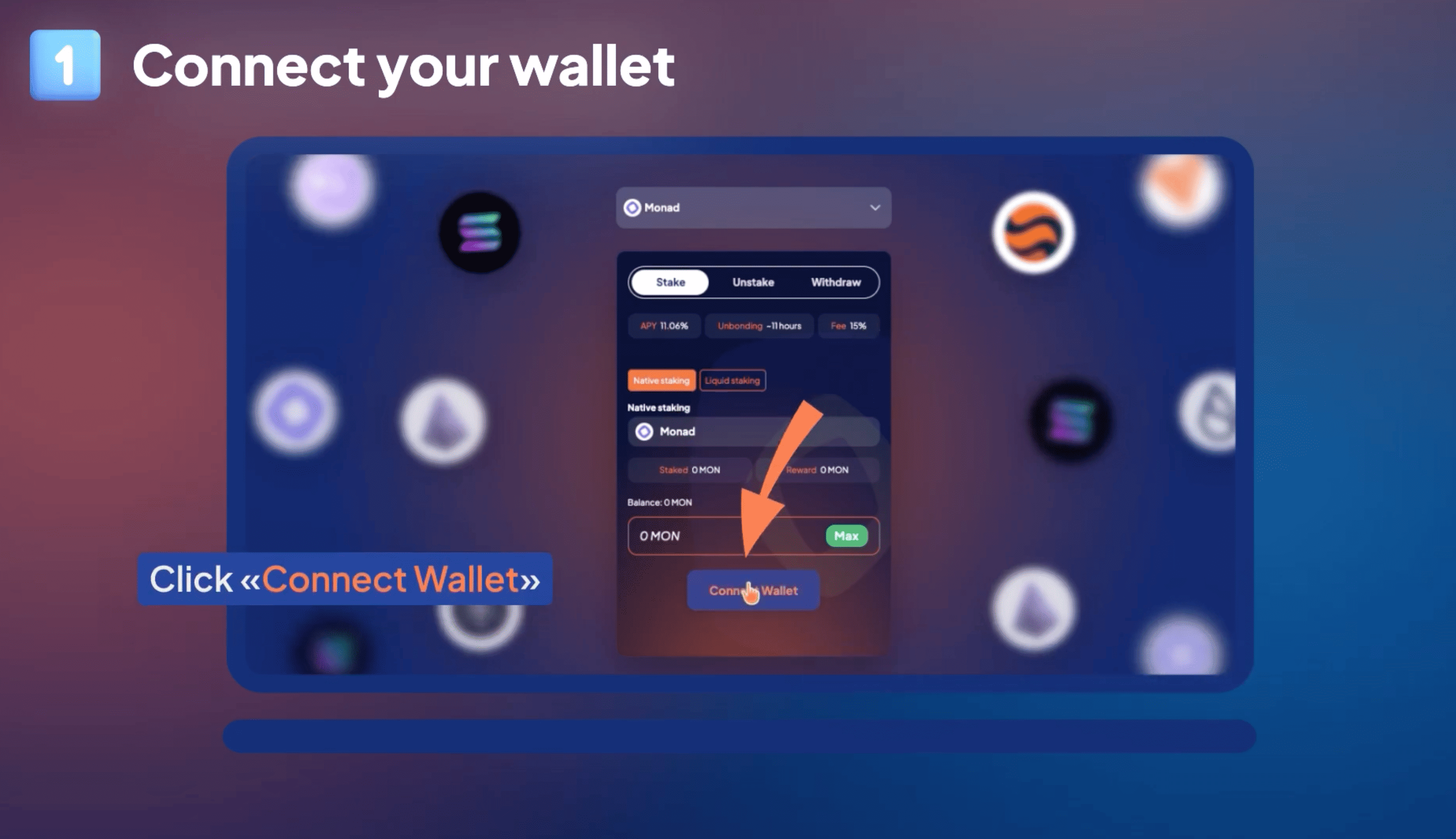
Click Connect Wallet and select your active wallet (e.g., Rabby or MetaMask) from the list to authorize the connection.
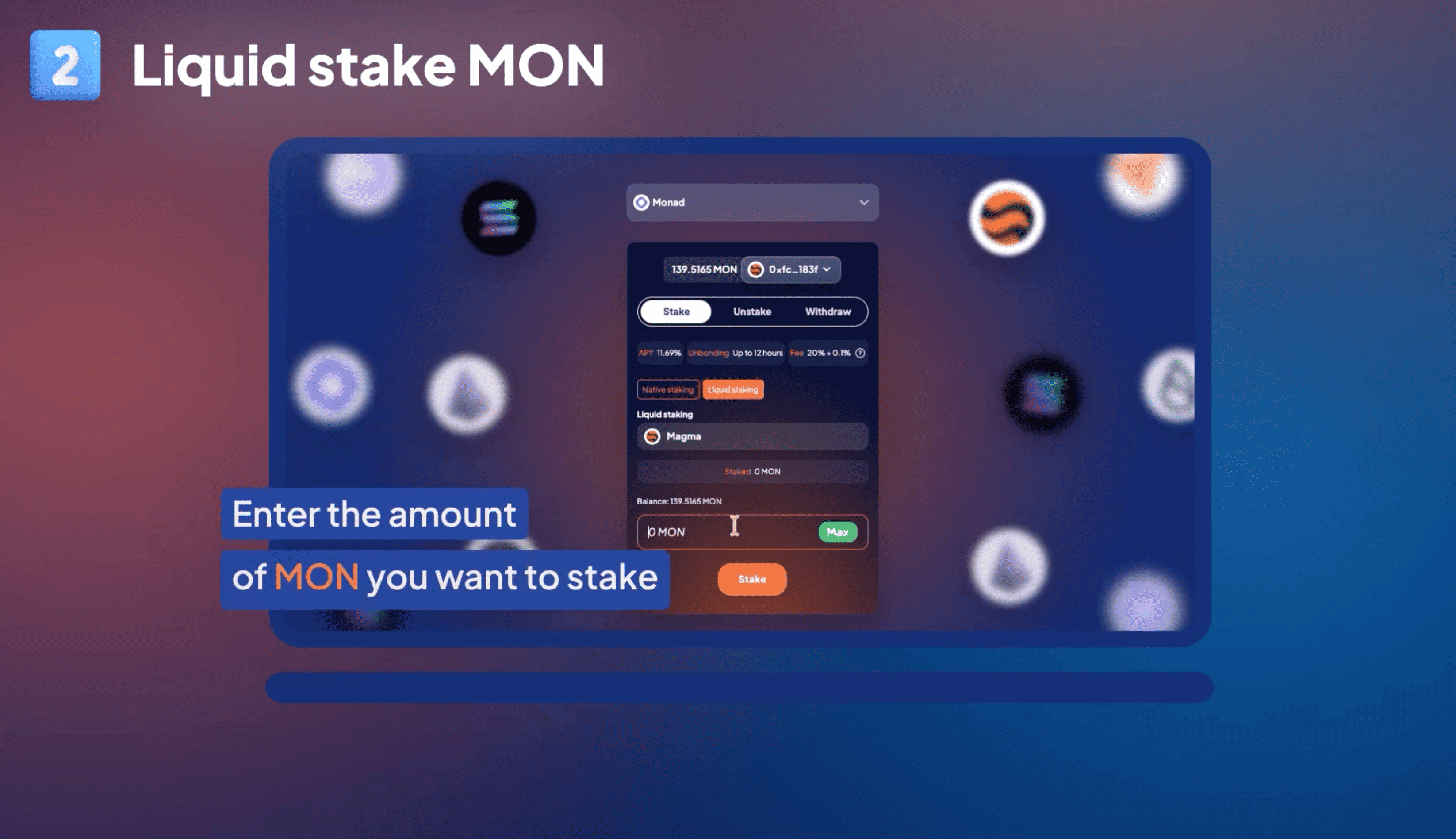
Enter the amount of MON you want to stake
Once connected, your wallet address and active MON balance will be visible on the interface.
In the input field under the Magma staking panel, type the amount of MON you want to stake. Alternatively, click Max to select your entire balance.
Tip: Always leave a small amount of MON in your wallet to cover gas and transaction fees on the Monad network!

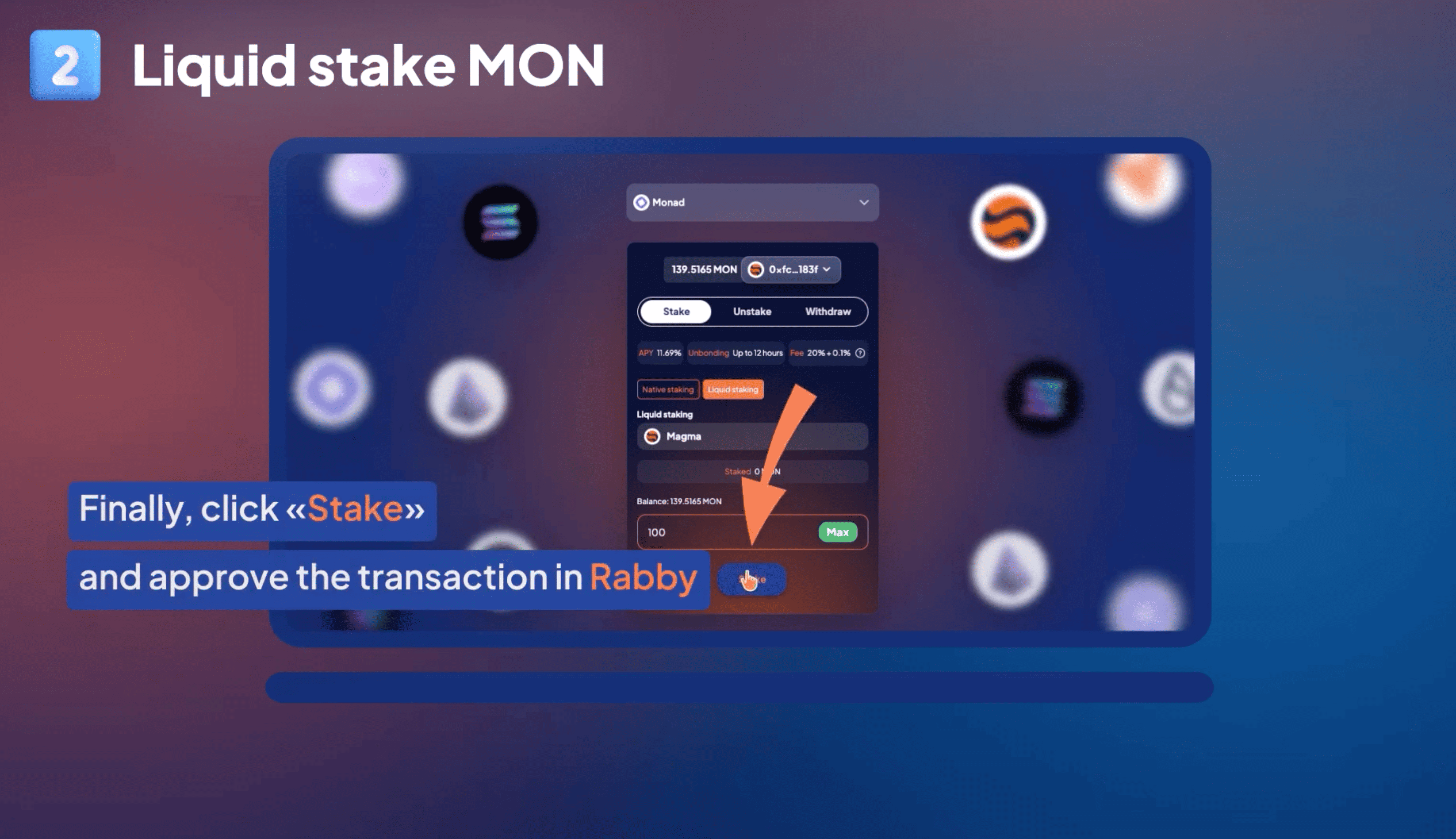
Confirm your staking and approve the transaction
Review the staking parameters displayed on the dashboard. Click Stake.
A prompt will appear in your connected wallet browser extension. Review the transaction parameters and click Approve.
After confirmation, you will receive liquid staking tokens representing your staked position on Magma. You will support the security of the Monad network while earning rewards.
You can open your dashboard at any time to monitor your staking position and manage your rewards.